还要壁纸吗?
Go PRO for unlimited wallpapers, all 5 AI models at once, priority processing, and your wallpapers never expire.
升级到专业版经常提问的问题
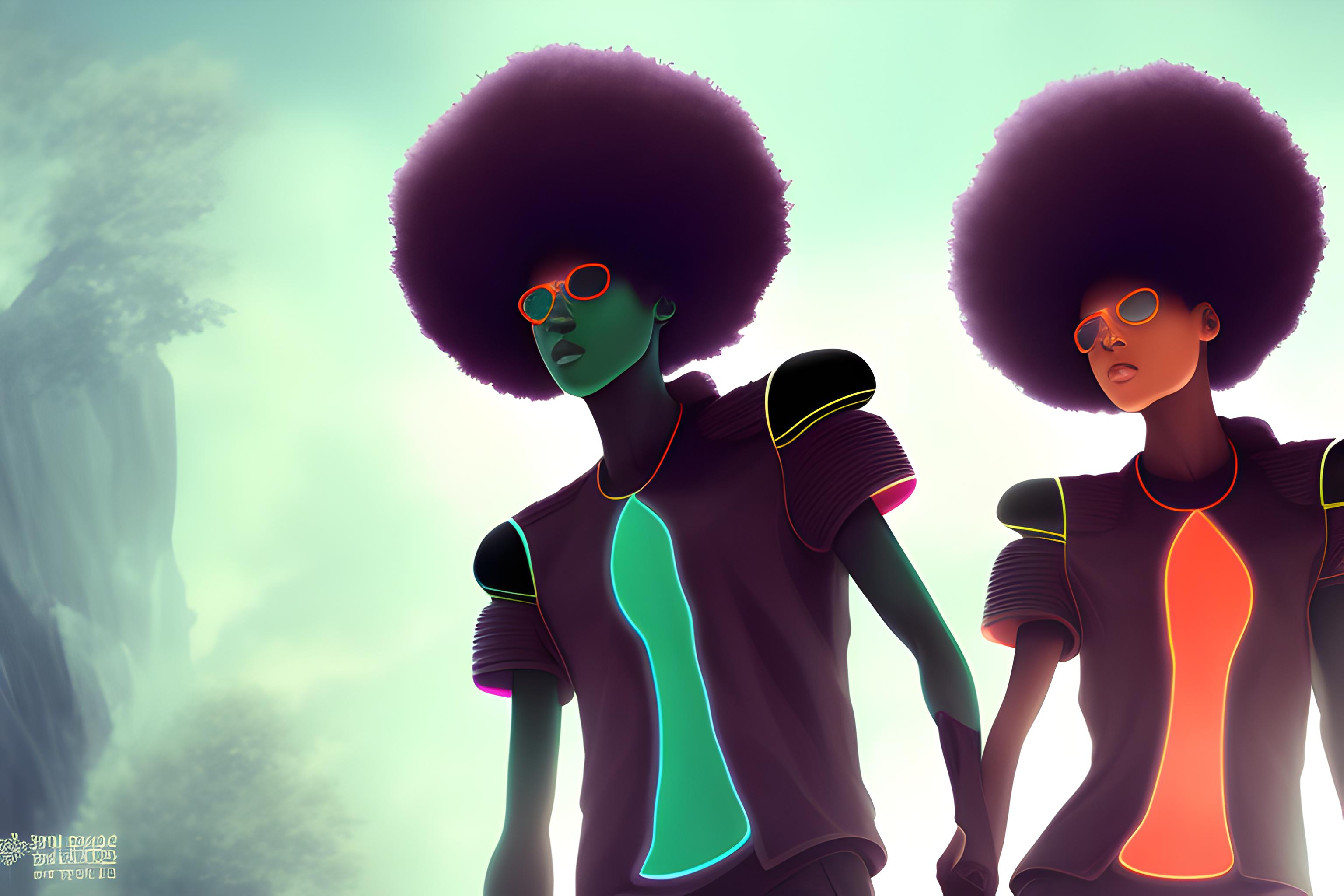
什么是"Variation 5: The "Afro-Futurist Twin" (Cultural Pride & Future Focus) Visual ..."壁纸?
这是AI产生的一张壁纸,由“Variation 5: The "Afro-Futurist Twin" (Cultural Pride & Future Focus) Visual ...”的提示文本制成,由sdxl-animagine模型制成,可自由下载,取自landscape 16:9方向。
我可以免费下载这desktop壁纸吗?
是的, Wallpapers.ai 上的每张壁纸都可以下载, 供个人使用。 单击下载按钮将完整分辨率图像保存到 desktop 。
此壁纸支持哪些桌面决议?
地貌图像以16:9宽屏侧面生成, 在 1920x1080、 2560x1440 和 3840x2160 显示器上看起来直亮。 PRO 用户可以请求 4K 升级 。
我如何将这个设置为桌面背景?
在 Windows 上下载 PNG 。 在 Windows 上: 右键单击文件, “ 设置为桌面背景 ” 。 在 macOS 上: 在 预览中打开, 文件菜单, “ 设置桌面图片 ” 。 在 Linux 上: 取决于 DE - 多数都右键单击“ 设置为壁纸 ” 。
动因模型只做动因式壁纸吗?
以动画和插图调制,但用于任何艺术的发音。 “Variation 5: The "Afro-Futurist Twin" (Cultural Pride & Future Focus) Visual ...”是用阿尼马基纳模型制作的,并展示了美学。
我能用这张花生酱壁纸吗?
就个人用途而言,是的。对于商业用途,请查一查基本许可证范本(Animagine XL是根据公平AI公共许可证发放的)和提示本身——从不包括真人或品牌。
这个墙纸是用什么决议来的?
图像以本地landscape 16:9分辨率生成,适合desktop屏幕。您可请求使用 PRO 计划升级 4K 版本 。
这张墙纸能修好我的装置吗?
是的 — landscape 16:9 方向为 desktop 个设备。 图像是标准的 PNG, iOS、 Android、 Windows、 macOS 或 Linux 上的任何壁纸设置应用程序都可以使用它 。
"Variation 5: The "Afro-Futurist Twin" (Cultural Pride & Future Focus) Visual ..."刚刚产生吗?
是 — 这是最近一张墙纸。 视图数数会在未来几天累积。 如果您想要个性化变体, 请单击“ 制作图像 ” 。