မေးလေ့ရှိသောမေးခွန်းများ
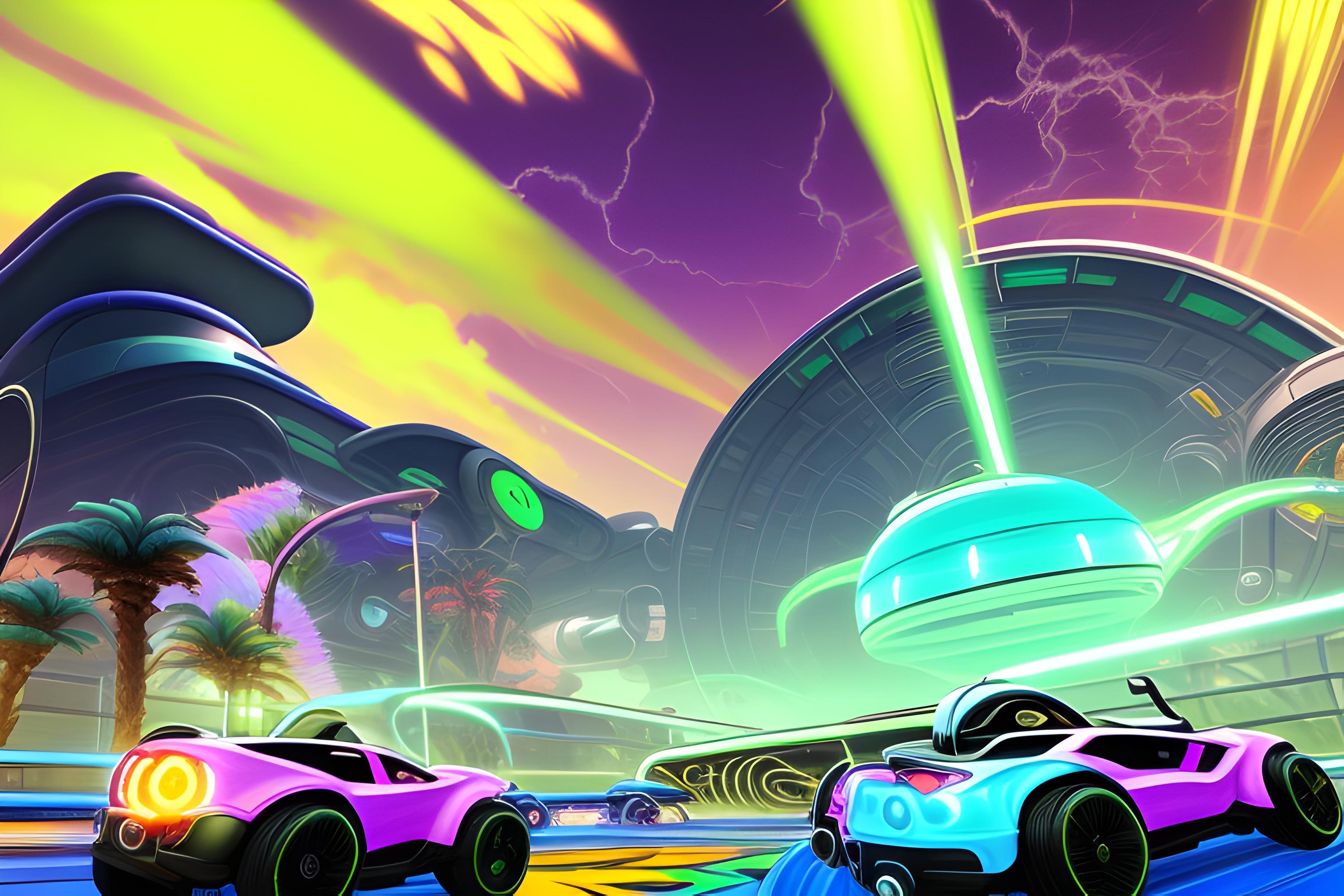
ဘာလဲ "A stylized Rocket League Fennec car flying with boost in a vibrant illustrate..." wallpaper ကို?
ဤသည် AI-generated wallpaper ကိုစာသား prompt ကိုမှထုတ်လုပ် "A stylized Rocket League Fennec car flying with boost in a vibrant illustrate..." ဖြစ်ပါတယ်။ ဒါဟာ sdxl မော်ဒယ်ကပေးဆောင်ခဲ့သည်နှင့် landscape 16:9 ရှုထောင့်မှာဒေါင်းလုပ်လုပ်ဖို့အခမဲ့ဖြစ်ပါတယ်.
ငါဒီ download လုပ်နိုင်ပါတယ် desktop အခမဲ့ wallpaper ကို?
ဟုတ်ကဲ့. အပေါ်အားလုံး wallpaper ကို Wallpapers.ai ကိုယ်ရေးကိုယ်တာအသုံးပြုမှုများအတွက်ဒေါင်းလုပ်လုပ်ရန်အခမဲ့ဖြစ်ပါသည်. သင့်ရဲ့ desktop သို့အပြည့်အဝ- resolution ကိုပုံရိပ်ကို save လုပ်ဖို့ download button ကိုနှိပ်ပါ.
ဒီမျက်နှာပြင်အလှဆင်မှုက ဘယ် Desktop မြင်ကွင်းကျယ်ကို ထောက်ခံသလဲ
ရှုခင်းပုံရိပ်ကို 16:9 widescreen aspect မှာထုတ်လုပ်ပြီး 1920x1080, 2560x1440 နှင့် 3840x2160 displays များပေါ်တွင် ကြည်လင်ပြတ်သားစွာ မြင်တွေ့ရသည်။ PRO users များအနေဖြင့် 4K upscale ကို တောင်းဆိုနိုင်ပါသည်။
ဒီကိုကျွန်တော့် desktop မျက်နှာပြင်အဖြစ်ဘယ်လိုသတ်မှတ်မလဲ
PNG ကိုဒေါင်းလုပ်. Windows ပေါ်မှာ: ညာဘက်ကလစ်ဖိုင်ကို, "desktop မျက်နှာပြင်အဖြစ်သတ်မှတ်". MacOS ပေါ်မှာ: Preview မှာဖွင့်, File menu ကို, "Desktop Picture ကိုသတ်မှတ်". Linux ပေါ်မှာ: DE ပေါ်မူတည် — အများစုမှာညာဘက်ကလစ် "desktop မျက်နှာပြင်အဖြစ်သတ်မှတ်".
SDXL ပုံစံကိုဘယ်လိုသုံးမလဲ?
တည်ငြိမ် Diffusion XL သည်ဤ wallpaper ကိုနောက်ကွယ်မှအခြေခံမော်ဒယ်ဖြစ်ပါသည်. ဒါဟာဓာတ်ပုံ-realistic ကျော်အဆင်ပြေ output ကိုထုတ်လုပ်, 1024px တွင်မူရင်း resolution ကို styled နှင့်အယူအဆ prompts.
"A stylized Rocket League Fennec car flying with boost in a vibrant illustrate..." ၏ မြင့်မားသော ကြည်လင်ပြတ်သားမှု ပုံစံကို ရရှိနိုင်ပါသလား။
ဟုတ်ကဲ့ — PRO အသုံးပြုသူများသည်မည်သည့် SDXL wallpaper ၏ 2x သို့မဟုတ် 4x upscaled version ကိုတောင်းဆိုနိုင်သည်။ အခမဲ့အဆင့်သည်မူရင်း 1024px output ကိုပေးသည်။
ဒီမျက်နှာပြင်ကဘယ်လို မြင်ကွင်းကျယ်မှုရှိလဲ။
အဆိုပါပုံရိပ်ကို desktop စခရင်များအတွက်သင့်လျော်သော landscape 16:9 ဖြေရှင်းချက်တွင်ထုတ်လုပ်သည်။ PRO အစီအစဉ်နှင့်အတူ 4K ထက်မြင့်သောဗားရှင်းကိုသင်တောင်းဆိုနိုင်သည်။
ဒီမျက်နှာပြင်အရောင်ကကျွန်တော့်ကိရိယာမှာအလုပ်လုပ်ပါသလား
ဟုတ်ကဲ့ — landscape 16:9 ရှုထောင့် desktop ကိရိယာများအတွက်အရွယ်အစားဖြစ်ပါတယ်. ရုပ်ပုံသည်စံ PNG တစ်ခုဖြစ်သည်ဒါကြောင့် iOS ပေါ်တွင်မည်သည့် wallpaper-setting app ကို, Android, Windows, macOS သို့မဟုတ် Linux ကိုအသုံးပြုနိုင်သည်.
ဘာကြောင့် "A stylized Rocket League Fennec car flying with boost in a vibrant illustrate..." ခေတ်စားသလဲ?
ဒီ wallpaper ကိုကြည့်ရှုခဲ့သည် 111 ကြိမ်နှင့်ဧည့်သည်များအားဖြင့်အကြိမ်များစွာ download လုပ်. ဒါဟာ prompt ကိုအကြောင်းအရာတစ်ဝိုက်ရှာဖွေရေးများအတွက် rank ဖို့ဖြစ်လေ့ရှိပါတယ် — "ပုံရိပ်ကိုလုပ်" ခလုတ်နှင့်အတူ remix ဖို့အခမဲ့ခံစားရ.
ပိုမို wallpapers များလိုလား?
အဆုံးမဲ့ wallpapers များအတွက် Go PRO, အားလုံး 8 တစ်ချိန်တည်းမှာ AI ကိုမော်ဒယ်များ, အရေးပါမှု processing - နှင့်သင်၏ wallpapers မကြာမီကုန်ဆုံး.
PRO သို့ အဆင့်မြှင့်တင်ပါ