မေးလေ့ရှိသောမေးခွန်းများ
ဘာလဲ "can you make a wallpaper with gojo on the right of the screen and Japanese wr..." wallpaper ကို?
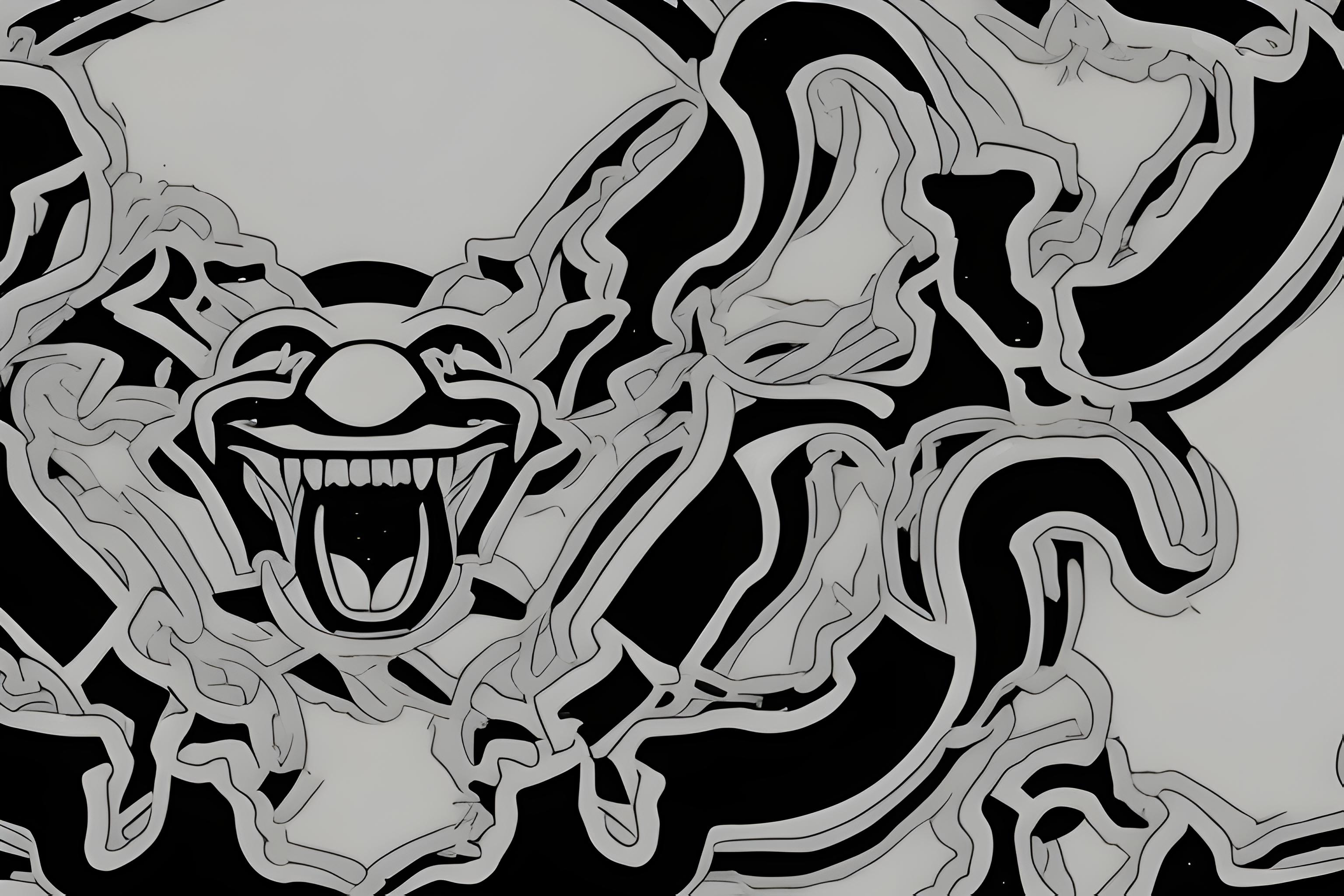
ဤသည် AI-generated wallpaper ကိုစာသား prompt ကိုမှထုတ်လုပ် "can you make a wallpaper with gojo on the right of the screen and Japanese wr..." ဖြစ်ပါတယ်။ ဒါဟာ sdxl-animagine မော်ဒယ်ကပေးဆောင်ခဲ့သည်နှင့် landscape 16:9 ရှုထောင့်မှာဒေါင်းလုပ်လုပ်ဖို့အခမဲ့ဖြစ်ပါတယ်.
ငါဒီ download လုပ်နိုင်ပါတယ် desktop အခမဲ့ wallpaper ကို?
ဟုတ်ကဲ့. အပေါ်အားလုံး wallpaper ကို Wallpapers.ai ကိုယ်ရေးကိုယ်တာအသုံးပြုမှုများအတွက်ဒေါင်းလုပ်လုပ်ရန်အခမဲ့ဖြစ်ပါသည်. သင့်ရဲ့ desktop သို့အပြည့်အဝ- resolution ကိုပုံရိပ်ကို save လုပ်ဖို့ download button ကိုနှိပ်ပါ.
ဒီမျက်နှာပြင်အလှဆင်မှုက ဘယ် Desktop မြင်ကွင်းကျယ်ကို ထောက်ခံသလဲ
ရှုခင်းပုံရိပ်ကို 16:9 widescreen aspect မှာထုတ်လုပ်ပြီး 1920x1080, 2560x1440 နှင့် 3840x2160 displays များပေါ်တွင် ကြည်လင်ပြတ်သားစွာ မြင်တွေ့ရသည်။ PRO users များအနေဖြင့် 4K upscale ကို တောင်းဆိုနိုင်ပါသည်။
ဒီကိုကျွန်တော့် desktop မျက်နှာပြင်အဖြစ်ဘယ်လိုသတ်မှတ်မလဲ
PNG ကိုဒေါင်းလုပ်. Windows ပေါ်မှာ: ညာဘက်ကလစ်ဖိုင်ကို, "desktop မျက်နှာပြင်အဖြစ်သတ်မှတ်". MacOS ပေါ်မှာ: Preview မှာဖွင့်, File menu ကို, "Desktop Picture ကိုသတ်မှတ်". Linux ပေါ်မှာ: DE ပေါ်မူတည် — အများစုမှာညာဘက်ကလစ် "desktop မျက်နှာပြင်အဖြစ်သတ်မှတ်".
Anime model က anime-style wallpapers တွေကိုသာလုပ်ပါသလား?
ဒါဟာ anime နှင့်ပုံဖော်ရေးအတွက် tune ထားသော်လည်းမည်သည့် styleized အနုပညာ prompt ကိုအလုပ်လုပ်. "can you make a wallpaper with gojo on the right of the screen and Japanese wr..." Animagine ပုံစံနှင့်အတူပေးပို့ခဲ့သည်နှင့်အလှအပပြသ.
ငါသည်ဤ anime wallpaper ကိုစီးပွားရေးလုပ်ငန်းသုံးနိုင်သလား?
ကိုယ်ရေးကိုယ်တာအသုံးပြုမှုအတွက်, ဟုတ်ကဲ့. စီးပွားရေးလုပ်ငန်းအသုံးပြုမှုအတွက်, အောက်ခြေမော်ဒယ်လိုင်စင်ကိုစစ်ဆေးပါ (Animagine XL ကို Fair AI ပြည်သူ့လိုင်စင်အောက်တွင်ထုတ်လွှင့်သည်) နှင့် prompt ကိုကိုယ်ပိုင် — အစစ်အမှန်လူများသို့မဟုတ်အမှတ်တံဆိပ်များမပါဘဲ.
ဒီမျက်နှာပြင်ကဘယ်လို မြင်ကွင်းကျယ်မှုရှိလဲ။
အဆိုပါပုံရိပ်ကို desktop စခရင်များအတွက်သင့်လျော်သော landscape 16:9 ဖြေရှင်းချက်တွင်ထုတ်လုပ်သည်။ PRO အစီအစဉ်နှင့်အတူ 4K ထက်မြင့်သောဗားရှင်းကိုသင်တောင်းဆိုနိုင်သည်။
ဒီမျက်နှာပြင်အရောင်ကကျွန်တော့်ကိရိယာမှာအလုပ်လုပ်ပါသလား
ဟုတ်ကဲ့ — landscape 16:9 ရှုထောင့် desktop ကိရိယာများအတွက်အရွယ်အစားဖြစ်ပါတယ်. ရုပ်ပုံသည်စံ PNG တစ်ခုဖြစ်သည်ဒါကြောင့် iOS ပေါ်တွင်မည်သည့် wallpaper-setting app ကို, Android, Windows, macOS သို့မဟုတ် Linux ကိုအသုံးပြုနိုင်သည်.
ဘာကြောင့် "can you make a wallpaper with gojo on the right of the screen and Japanese wr..." ခေတ်စားသလဲ?
ဒီ wallpaper ကိုကြည့်ရှုခဲ့သည် 156 ကြိမ်နှင့်ဧည့်သည်များအားဖြင့်အကြိမ်များစွာ download လုပ်. ဒါဟာ prompt ကိုအကြောင်းအရာတစ်ဝိုက်ရှာဖွေရေးများအတွက် rank ဖို့ဖြစ်လေ့ရှိပါတယ် — "ပုံရိပ်ကိုလုပ်" ခလုတ်နှင့်အတူ remix ဖို့အခမဲ့ခံစားရ.
ပိုမို wallpapers များလိုလား?
အဆုံးမဲ့ wallpapers များအတွက် Go PRO, အားလုံး5တစ်ချိန်တည်းမှာ AI ကိုမော်ဒယ်များ, အရေးကြီးသော processing, နှင့်သင်၏ wallpapers မကြာခဏကုန်ဆုံး.
PRO သို့ အဆင့်မြှင့်တင်ပါ