မေးလေ့ရှိသောမေးခွန်းများ
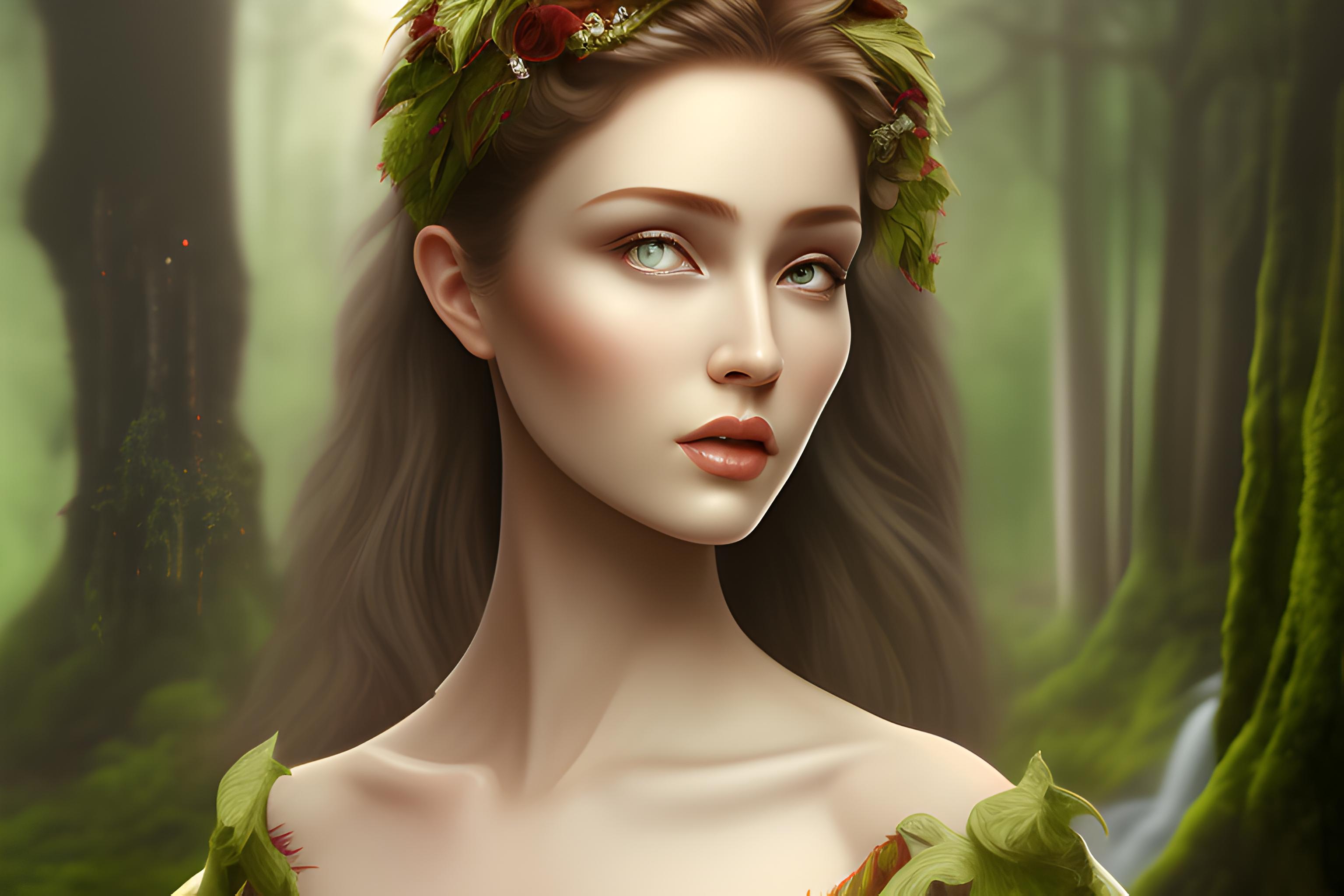
ဘာလဲ "A pretty and shapely driad, in a forest. She has bark skin like a tree, of di..." wallpaper ကို?
ဤသည် AI-generated wallpaper ကိုစာသား prompt ကိုမှထုတ်လုပ် "A pretty and shapely driad, in a forest. She has bark skin like a tree, of di..." ဖြစ်ပါတယ်။ ဒါဟာ sdxl-lightning မော်ဒယ်ကပေးဆောင်ခဲ့သည်နှင့် landscape 16:9 ရှုထောင့်မှာဒေါင်းလုပ်လုပ်ဖို့အခမဲ့ဖြစ်ပါတယ်.
ငါဒီ download လုပ်နိုင်ပါတယ် desktop အခမဲ့ wallpaper ကို?
ဟုတ်ကဲ့. အပေါ်အားလုံး wallpaper ကို Wallpapers.ai ကိုယ်ရေးကိုယ်တာအသုံးပြုမှုများအတွက်ဒေါင်းလုပ်လုပ်ရန်အခမဲ့ဖြစ်ပါသည်. သင့်ရဲ့ desktop သို့အပြည့်အဝ- resolution ကိုပုံရိပ်ကို save လုပ်ဖို့ download button ကိုနှိပ်ပါ.
ဒီမျက်နှာပြင်အလှဆင်မှုက ဘယ် Desktop မြင်ကွင်းကျယ်ကို ထောက်ခံသလဲ
ရှုခင်းပုံရိပ်ကို 16:9 widescreen aspect မှာထုတ်လုပ်ပြီး 1920x1080, 2560x1440 နှင့် 3840x2160 displays များပေါ်တွင် ကြည်လင်ပြတ်သားစွာ မြင်တွေ့ရသည်။ PRO users များအနေဖြင့် 4K upscale ကို တောင်းဆိုနိုင်ပါသည်။
ဒီကိုကျွန်တော့် desktop မျက်နှာပြင်အဖြစ်ဘယ်လိုသတ်မှတ်မလဲ
PNG ကိုဒေါင်းလုပ်. Windows ပေါ်မှာ: ညာဘက်ကလစ်ဖိုင်ကို, "desktop မျက်နှာပြင်အဖြစ်သတ်မှတ်". MacOS ပေါ်မှာ: Preview မှာဖွင့်, File menu ကို, "Desktop Picture ကိုသတ်မှတ်". Linux ပေါ်မှာ: DE ပေါ်မူတည် — အများစုမှာညာဘက်ကလစ် "desktop မျက်နှာပြင်အဖြစ်သတ်မှတ်".
ဘာကြောင့် Lightning အခြားမော်ဒယ်များနှိုင်းယှဉ်လျှင်မြန်မြန်ဆန်ဆန်ဖြစ်ပါသလဲ?
လျှပ်စစ်မီးသည်4-ခြေလှမ်းကိုစွန့်စား SDXL အမျိုးအစားဖြစ်ပါသည်. ဒါဟာ ~4x ပိုမိုမြန်ဆန်မျိုးဆက်အတွက်ကောင်းမွန်သောအသေးစိတ်အနည်းငယ်အရေအတွက်ကိုကုန်သွယ်. "A pretty and shapely driad, in a forest. She has bark skin like a tree, of di..." တွင်အောက်တွင်လျှပ်စစ်မီးနှင့်အတူပေးပို့ခဲ့သည် 10 စက္ကန့်.
Lightning အရည်အသွေးကိုစံ SDXL အဖြစ်ကောင်းစွာကြည့်ပါလိမ့်မယ်?
အများစုက prompts များအတွက်, ဟုတ်ကဲ့ - အထူးသဖြင့်ရှုခင်းနှင့်အယူအဆ wallpapers. photo-realistic မျက်နှာများသို့မဟုတ်တိကျတဲ့စာသားများအတွက်, စံ SDXL သို့မဟုတ် Realistic မော်ဒယ်များပိုမိုပြင်းထန်သောရလဒ်များကိုပေး.
ဒီမျက်နှာပြင်ကဘယ်လို မြင်ကွင်းကျယ်မှုရှိလဲ။
အဆိုပါပုံရိပ်ကို desktop စခရင်များအတွက်သင့်လျော်သော landscape 16:9 ဖြေရှင်းချက်တွင်ထုတ်လုပ်သည်။ PRO အစီအစဉ်နှင့်အတူ 4K ထက်မြင့်သောဗားရှင်းကိုသင်တောင်းဆိုနိုင်သည်။
ဒီမျက်နှာပြင်အရောင်ကကျွန်တော့်ကိရိယာမှာအလုပ်လုပ်ပါသလား
ဟုတ်ကဲ့ — landscape 16:9 ရှုထောင့် desktop ကိရိယာများအတွက်အရွယ်အစားဖြစ်ပါတယ်. ရုပ်ပုံသည်စံ PNG တစ်ခုဖြစ်သည်ဒါကြောင့် iOS ပေါ်တွင်မည်သည့် wallpaper-setting app ကို, Android, Windows, macOS သို့မဟုတ် Linux ကိုအသုံးပြုနိုင်သည်.
ပိုမို wallpapers များလိုလား?
အဆုံးမဲ့ wallpapers များအတွက် Go PRO, အားလုံး5တစ်ချိန်တည်းမှာ AI ကိုမော်ဒယ်များ, အရေးကြီးသော processing, နှင့်သင်၏ wallpapers မကြာခဏကုန်ဆုံး.
PRO သို့ အဆင့်မြှင့်တင်ပါ